
Events

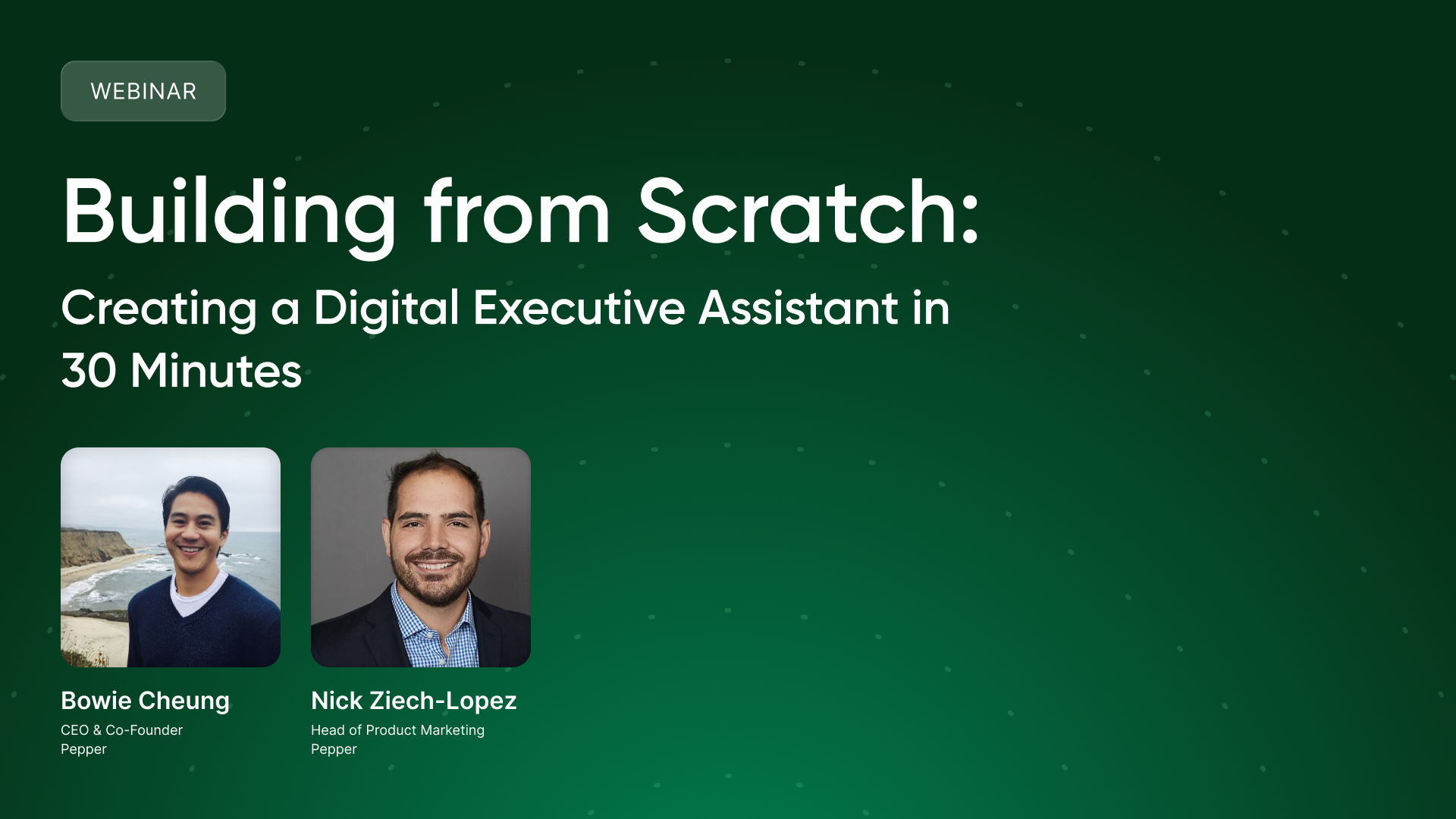
Webinar Recap: Building From Scratch with AI, Creating a Digital Executive Assistant in 30 Minutes

In just thirty minutes, you can connect your inbox to the AI tool of your choice, write a single prompt, and never manually triage email the same way again.

That's what CEO Bowie Cheung joined me to demonstrate in our first session of Building From Scratch, a live workshop series where the Pepper team walk through real, down-to-earth examples of making life easier with AI. You can check out the presentation (built with AI!) here.

What we covered in session 1:

  1. Connecting internal toolsets to AI, and the benefits of a connected workflow
  2. Prompting to actually save you time - surfacing urgent messages and drafts responses automatically
  3. The definition of an AI agent, how to make one, and scheduling tasks to run in the background so you don't have to think about it

The Problem Worth Solving

Every person with an inbox has the same problem: too much coming in, too little time to triage well, much less even read them all. The emails that need a response get buried and the ones that don't get opened twice.

The goal of the session was simple: use AI to surface what actually matters, draft responses to what's urgent, and stop spending mental energy on things that don't deserve it.

"Think of it as putting an ultimate search and recommendation engine on top of anything you have," Nick explained during the session. The key is not a complicated setup, it's connecting the tools you already use.

Building from Scratch

Starting from Claude's desktop application, we walked through a workflow that any distributor with a Gmail or Outlook account can replicate:

Step 1: Connect your internal tools. Claude Cowork (and comparable tools in Gemini and Copilot) allows you to link your Gmail, Outlook, or Slack account in a few clicks. This single connection is where most of the value lives.

Step 2: Write a plain-English prompt. The prompt Iused: "You're my digital executive assistant. Go through the emails in my inbox with the [agent demo] label, create an executive summary, and draft responses to the urgent emails or anything needing attention today."

Step 3: Let it work. Within seconds, the model scanned the inbox, categorized messages into fires, revenue opportunities, and low-priority items, and drafted responses to the ones that needed attention.

What "Agentic" Actually Means

We also spent time unpacking a word that's everywhere right now: agentic.

"It's very buzzwordy," Bowie said. But underneath the hype is a real idea worth paying attention to: there's a fast-growing category of real-world problems that AI can handle on your behalf, and not just answer questions, but take action.

What makes this different from asking ChatGPT to write an email? It's the connection to your actual data and the ability to run on a schedule. The inbox agent we built isn't responding to a prompt, it's now running autonomously, checking for new information, and surfacing what matters without being asked.

An AI Agent can be as simple as scheduling a prompt to run for you when connected to your internal tools

Bowie's framing put it in context: just like the people who got fluent with computers and the internet early had an advantage in their work, the people who develop an intuition for what AI can handle today will move faster than the people who don't.

The Big Question: How Much Should AI Really Do?

Both Bowie and I landed in the same place on this: conservative is smart, especially when starting out.

AI agents make very good decisions most of the time. But when they make mistakes, they make strange ones (the kind a human would never make), and that asymmetry is worth respecting.

In the demo, Claude was configured to read emails, draft responses, and create executive summaries but not to send anything. The drafts go into Gmail's drafts folder. A human clicks send.

"I've not crossed that line yet where I have it autonomously sending emails on my behalf," Bowie said. "Maybe I'll get there in three months, but I haven't yet."

The practical takeaway: start with read-and-draft. Get comfortable with the output quality. Expand from there.

Tools and Where to Start

The session used Claude. Specifically, we used Claude Cowork on the desktop app, but the workflow works with:

  • Gemini (Google Workspace users have the easiest path; Gemini already has access to Gmail and Drive)
  • Copilot (for Microsoft shops with Outlook and Teams)
  • ChatGPT with the right connectors enabled

On the question of free vs. paid: Claude's connector capabilities require a paid plan (around $17–20/month). Bowie's view: for anyone spending several hours a week behind a computer, it's the highest-return monthly spend they'll make.

The One Thing to Do After Reading

If you take anything away from this session, please: Open your AI tool of choice. Connect it to your email. Type this prompt:

"Go through my inbox, create an executive summary of what's there, and draft responses to anything that needs attention today."

See what comes back. That's the session, distilled to one action. Everything else (the scheduling, the customization, the more advanced workflows) comes after you've seen what it does with that first prompt.

What's Coming Next

Bowie's closing prediction: within the next few years, building simple AI-powered tools will become a baseline job skill in the same way building a Word document or a presentation is today. The people developing that fluency now will have a significant head start.

Future sessions in the Building From Scratch with AI series will go deeper into building with tools like Lovable, more advanced agentic workflows, and how to scale these patterns beyond personal productivity into team-wide systems.

If you have a problem you'd like to see solved in a future session or a workflow you want to bring AI into, the Pepper team wants to hear it.

Building With Scratch is a live AI workshop series for food distribution operators and teams. Sessions are recorded and shared with registrants after each event.

Register for the next session here.

No items found.

Schedule a Pepper Demo today

Webinar Recap: Building From Scratch with AI, Creating a Digital Executive Assistant in 30 Minutes

Apr 02, 2026, Written by Nick Ziech-Lopez, Head of Product Marketing

In just thirty minutes, you can connect your inbox to the AI tool of your choice, write a single prompt, and never manually triage email the same way again.

That's what CEO Bowie Cheung joined me to demonstrate in our first session of Building From Scratch, a live workshop series where the Pepper team walk through real, down-to-earth examples of making life easier with AI. You can check out the presentation (built with AI!) here.

What we covered in session 1:

  1. Connecting internal toolsets to AI, and the benefits of a connected workflow
  2. Prompting to actually save you time - surfacing urgent messages and drafts responses automatically
  3. The definition of an AI agent, how to make one, and scheduling tasks to run in the background so you don't have to think about it

The Problem Worth Solving

Every person with an inbox has the same problem: too much coming in, too little time to triage well, much less even read them all. The emails that need a response get buried and the ones that don't get opened twice.

The goal of the session was simple: use AI to surface what actually matters, draft responses to what's urgent, and stop spending mental energy on things that don't deserve it.

"Think of it as putting an ultimate search and recommendation engine on top of anything you have," Nick explained during the session. The key is not a complicated setup, it's connecting the tools you already use.

Building from Scratch

Starting from Claude's desktop application, we walked through a workflow that any distributor with a Gmail or Outlook account can replicate:

Step 1: Connect your internal tools. Claude Cowork (and comparable tools in Gemini and Copilot) allows you to link your Gmail, Outlook, or Slack account in a few clicks. This single connection is where most of the value lives.

Step 2: Write a plain-English prompt. The prompt Iused: "You're my digital executive assistant. Go through the emails in my inbox with the [agent demo] label, create an executive summary, and draft responses to the urgent emails or anything needing attention today."

Step 3: Let it work. Within seconds, the model scanned the inbox, categorized messages into fires, revenue opportunities, and low-priority items, and drafted responses to the ones that needed attention.

What "Agentic" Actually Means

We also spent time unpacking a word that's everywhere right now: agentic.

"It's very buzzwordy," Bowie said. But underneath the hype is a real idea worth paying attention to: there's a fast-growing category of real-world problems that AI can handle on your behalf, and not just answer questions, but take action.

What makes this different from asking ChatGPT to write an email? It's the connection to your actual data and the ability to run on a schedule. The inbox agent we built isn't responding to a prompt, it's now running autonomously, checking for new information, and surfacing what matters without being asked.

An AI Agent can be as simple as scheduling a prompt to run for you when connected to your internal tools

Bowie's framing put it in context: just like the people who got fluent with computers and the internet early had an advantage in their work, the people who develop an intuition for what AI can handle today will move faster than the people who don't.

The Big Question: How Much Should AI Really Do?

Both Bowie and I landed in the same place on this: conservative is smart, especially when starting out.

AI agents make very good decisions most of the time. But when they make mistakes, they make strange ones (the kind a human would never make), and that asymmetry is worth respecting.

In the demo, Claude was configured to read emails, draft responses, and create executive summaries but not to send anything. The drafts go into Gmail's drafts folder. A human clicks send.

"I've not crossed that line yet where I have it autonomously sending emails on my behalf," Bowie said. "Maybe I'll get there in three months, but I haven't yet."

The practical takeaway: start with read-and-draft. Get comfortable with the output quality. Expand from there.

Tools and Where to Start

The session used Claude. Specifically, we used Claude Cowork on the desktop app, but the workflow works with:

  • Gemini (Google Workspace users have the easiest path; Gemini already has access to Gmail and Drive)
  • Copilot (for Microsoft shops with Outlook and Teams)
  • ChatGPT with the right connectors enabled

On the question of free vs. paid: Claude's connector capabilities require a paid plan (around $17–20/month). Bowie's view: for anyone spending several hours a week behind a computer, it's the highest-return monthly spend they'll make.

The One Thing to Do After Reading

If you take anything away from this session, please: Open your AI tool of choice. Connect it to your email. Type this prompt:

"Go through my inbox, create an executive summary of what's there, and draft responses to anything that needs attention today."

See what comes back. That's the session, distilled to one action. Everything else (the scheduling, the customization, the more advanced workflows) comes after you've seen what it does with that first prompt.

What's Coming Next

Bowie's closing prediction: within the next few years, building simple AI-powered tools will become a baseline job skill in the same way building a Word document or a presentation is today. The people developing that fluency now will have a significant head start.

Future sessions in the Building From Scratch with AI series will go deeper into building with tools like Lovable, more advanced agentic workflows, and how to scale these patterns beyond personal productivity into team-wide systems.

If you have a problem you'd like to see solved in a future session or a workflow you want to bring AI into, the Pepper team wants to hear it.

Building With Scratch is a live AI workshop series for food distribution operators and teams. Sessions are recorded and shared with registrants after each event.
Register for the next session here.

Latest Posts
Webinar Recap: Building From Scratch with AI, Creating a Digital Executive Assistant in 30 Minutes
Pepper Acquires YC-Backed Alima, Doubling Down on AI and Product Content Capabilities
Takeaways from SENA 2026: Thoughts on Sustainability, Collaboration, and an industry finally embracing technology
No ERP, No Problem: How Pepper Delivers Value in an Unsteady Data Environment
Schedule a Demo
Come see why hundreds of independent food distributors have chosen Pepper to power their eCommerce needs.
Schedule Demo

Stay Ahead with Timely Updates

Sign Up for the Latest News and Innovations Shaping the Foodservice Industry.