
Events

Webinar Recap: Introducing the Pepper Self-Serve Toolkit

You asked, we answered: Pepper is giving your team more control, more flexibility, and more power directly in our users hands to get more done.

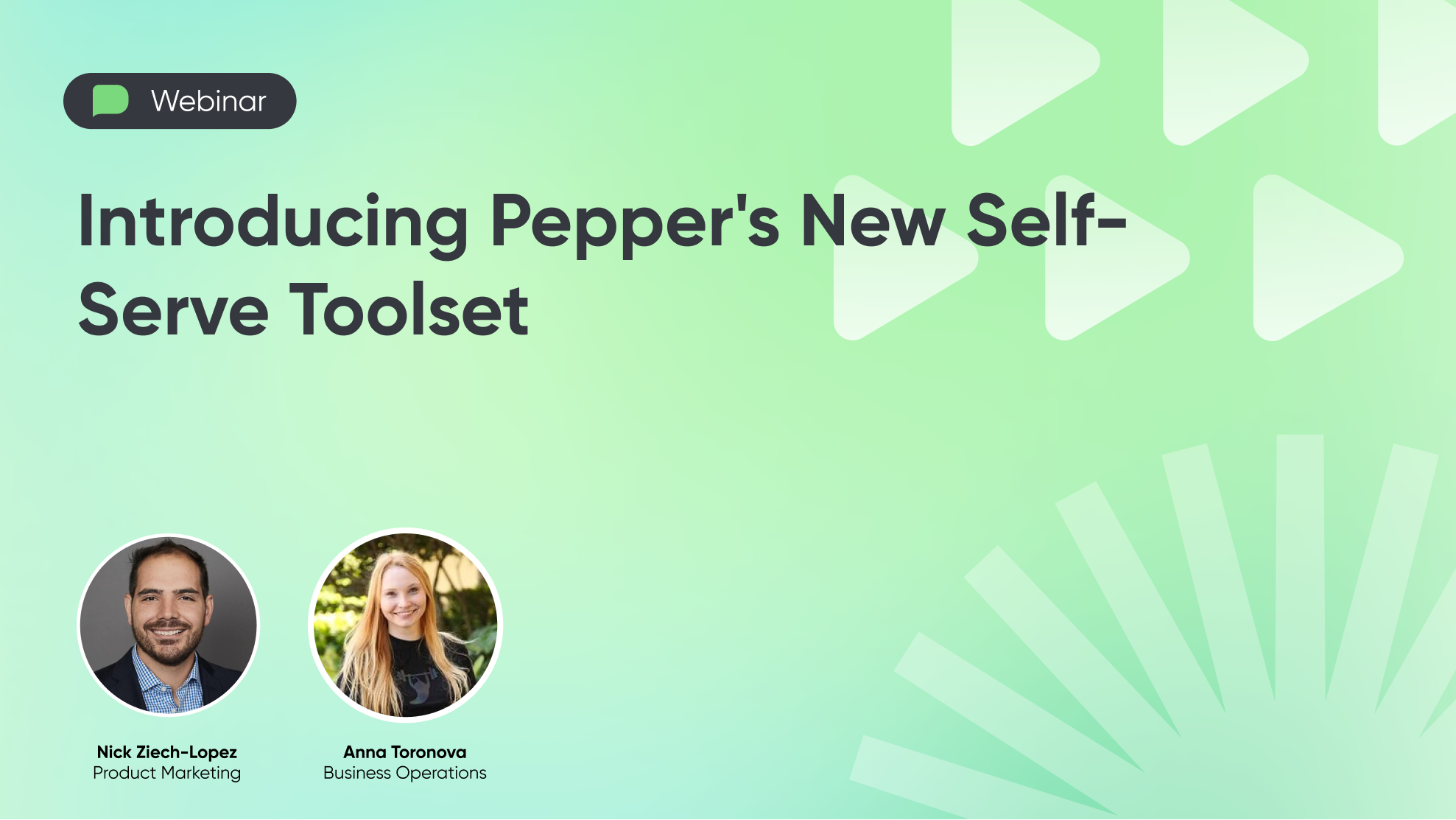
In our latest webinar Nick and Anna introduced our new suite of self-serve tools available inside the Pepper Management Center (PMC). Designed to make everyday workflows faster for admins and internal teams, the team walked through each new addition in detail and gave a sneak peek at what our customers can expect in 2026. Keep reading for more detail:

Custom Reporting In Seconds

Pepper customers love dashboards, but the back and forth with data teams to get the right view for the right scenario can be time-intensive and error-prone. 

Introducing: The ability to generate on-demand reports, anytime, any way you users want it. Now, users can request detailed analytics from a library of pre-built reports, spanning general reporting or product specific reporting, like payments. 

Even better, if users need a custom view of their data, they can submit a custom report request directly through the portal. It’s easy: Provide a quick description, specify the fields you need, and submit. Requests are sent directly to Pepper’s data team, with users getting an email confirmation and follow up when the report is ready.

Coming soon

Scheduled reports. In Q1 of 2026, users will have the ability to set a reporting schedule. With analytics arriving in your inbox or the destination of your choice on a pre-set cadence, users can automate recurring reporting workflows and dig deep into data.

Faster, More Flexible Order Guide Generation

Order guides remain one of the most powerful ways to simplify reordering. As catalogs and the number of accounts increase, teams benefit from faster, more flexible ways to manage them.

One of the most requested features of the year was Order Guide Self Serve and so we delivered.

With a few clicks, teams can download existing order guides, make updates in a spreadsheet, and upload changes back into Pepper. New guides can be created just as easily, whether for seasonal programs, promotions, or onboarding new customers.  Order Guides can be copied across accounts, making it simple to reuse what already works while keeping everything consistent.

Better Image Management at Scale

Product images matter. They drive confidence, increase conversion, and improve the overall buying experience. 

The Image Uploader makes it easier to manage images as catalogs grow. Images can be uploaded from a mobile device or in bulk, with simple editing and reordering built in. Each item supports up to eight images, helping catalogs stay consistent, organized, and visually polished.

Coming soon

AI-powered image improvement. Warehouse photos can be enhanced by removing background noise and generating clean GS1 compliant images with a white background. This is designed to help teams capture images quickly without sacrificing quality. If you want early access, reach out to your Customer Success Manager about the beta program.

More Control of Product Content

We have invested heavily in SALT, Pepper’s product content engine, and this release brings much better self-serve tools for matching and managing content.

With Suggested Matches, Pepper surfaces recommended content using our matching system even when GTINs or MPNs are missing. Review a suggestion, accept it, and push updated content live in seconds.

No suggestion available. No problem. You can now search the SALT database directly by keyword or brand, connect the right content manually, or remove a match if it is incorrect. Clear views of matched and unmatched items make it easier to keep your catalog accurate, consistent, and up to date.

Coming soon

Editing is expanding beyond images. Controls for allergens, ingredients, and additional product attributes are actively in progress and coming soon.

Sneak peek: Sales Task Manager

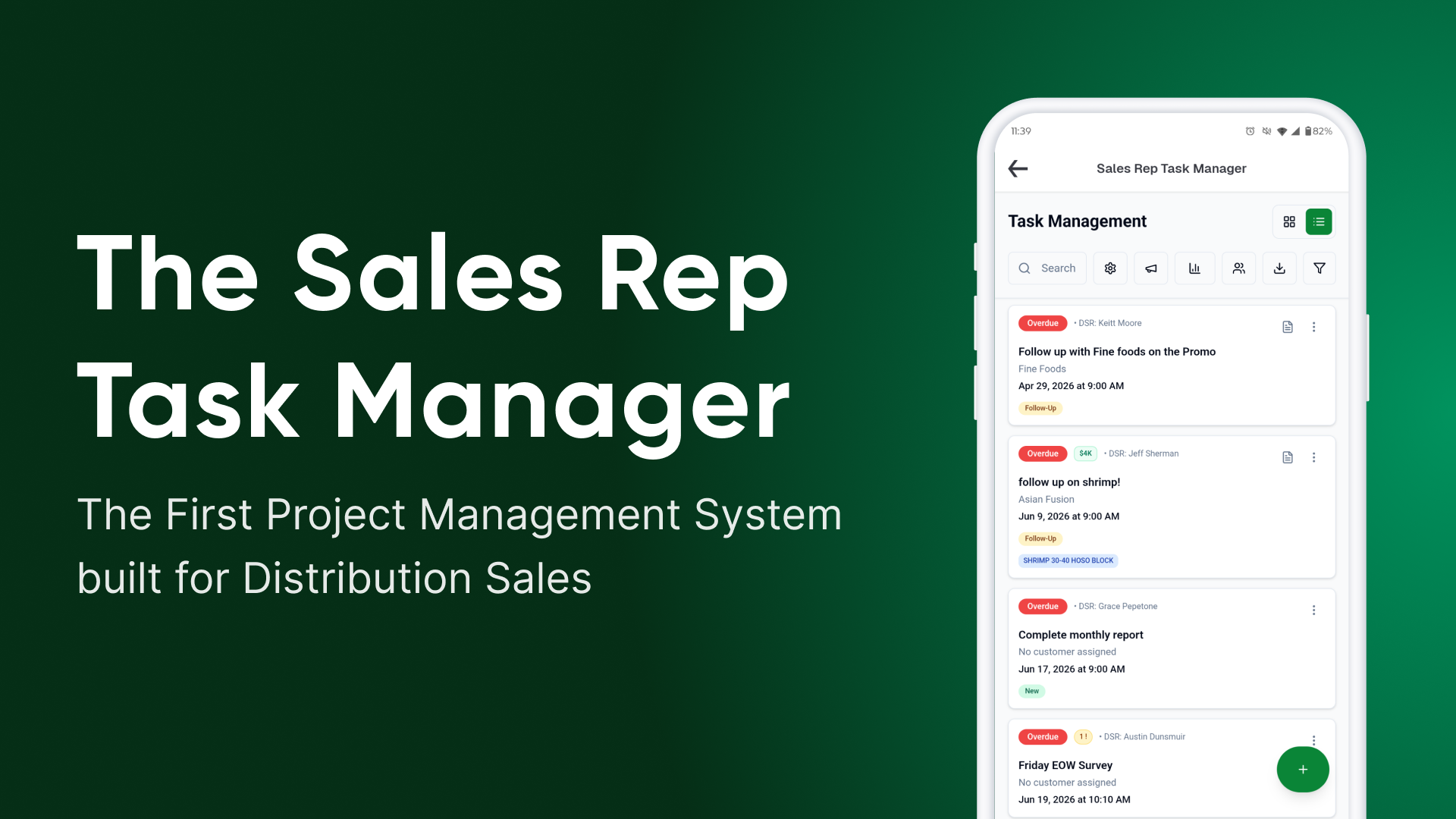
Get an early look at an upcoming Sales Task Manager tool for DSR Connect Pro customers, bringing a centralized way to run sales workflows inside Pepper.

Managers will be able to assign tasks, set due dates, create repeating workflows, and track completion all in one place. Think expense reports, surveys, follow ups, and other repeatable sales motions, managed end to end inside Pepper.

What’s Next

As we head into the new year and build toward 2026, Pepper will continue to expand with more tools, and we are moving fast. If you want to influence what comes out next, the best way is to try the tools and share feedback. Let your Customer Success Manager know what you love and what you need!

No items found.

Schedule a Pepper Demo today

Webinar Recap: Introducing the Pepper Self-Serve Toolkit

Dec 17, 2025, Written by Anoushka Harnal, Associate PMM

You asked, we answered: Pepper is giving your team more control, more flexibility, and more power directly in our users hands to get more done.

In our latest webinar Nick and Anna introduced our new suite of self-serve tools available inside the Pepper Management Center (PMC). Designed to make everyday workflows faster for admins and internal teams, the team walked through each new addition in detail and gave a sneak peek at what our customers can expect in 2026. Keep reading for more detail:

Custom Reporting In Seconds

Pepper customers love dashboards, but the back and forth with data teams to get the right view for the right scenario can be time-intensive and error-prone. 

Introducing: The ability to generate on-demand reports, anytime, any way you users want it. Now, users can request detailed analytics from a library of pre-built reports, spanning general reporting or product specific reporting, like payments. 

Even better, if users need a custom view of their data, they can submit a custom report request directly through the portal. It’s easy: Provide a quick description, specify the fields you need, and submit. Requests are sent directly to Pepper’s data team, with users getting an email confirmation and follow up when the report is ready.

Coming soon

Scheduled reports. In Q1 of 2026, users will have the ability to set a reporting schedule. With analytics arriving in your inbox or the destination of your choice on a pre-set cadence, users can automate recurring reporting workflows and dig deep into data.

Faster, More Flexible Order Guide Generation

Order guides remain one of the most powerful ways to simplify reordering. As catalogs and the number of accounts increase, teams benefit from faster, more flexible ways to manage them.

One of the most requested features of the year was Order Guide Self Serve and so we delivered.

With a few clicks, teams can download existing order guides, make updates in a spreadsheet, and upload changes back into Pepper. New guides can be created just as easily, whether for seasonal programs, promotions, or onboarding new customers.  Order Guides can be copied across accounts, making it simple to reuse what already works while keeping everything consistent.

Better Image Management at Scale

Product images matter. They drive confidence, increase conversion, and improve the overall buying experience. 

The Image Uploader makes it easier to manage images as catalogs grow. Images can be uploaded from a mobile device or in bulk, with simple editing and reordering built in. Each item supports up to eight images, helping catalogs stay consistent, organized, and visually polished.

Coming soon

AI-powered image improvement. Warehouse photos can be enhanced by removing background noise and generating clean GS1 compliant images with a white background. This is designed to help teams capture images quickly without sacrificing quality. If you want early access, reach out to your Customer Success Manager about the beta program.

More Control of Product Content

We have invested heavily in SALT, Pepper’s product content engine, and this release brings much better self-serve tools for matching and managing content.

With Suggested Matches, Pepper surfaces recommended content using our matching system even when GTINs or MPNs are missing. Review a suggestion, accept it, and push updated content live in seconds.

No suggestion available. No problem. You can now search the SALT database directly by keyword or brand, connect the right content manually, or remove a match if it is incorrect. Clear views of matched and unmatched items make it easier to keep your catalog accurate, consistent, and up to date.

Coming soon

Editing is expanding beyond images. Controls for allergens, ingredients, and additional product attributes are actively in progress and coming soon.

Sneak peek: Sales Task Manager

Get an early look at an upcoming Sales Task Manager tool for DSR Connect Pro customers, bringing a centralized way to run sales workflows inside Pepper.

Managers will be able to assign tasks, set due dates, create repeating workflows, and track completion all in one place. Think expense reports, surveys, follow ups, and other repeatable sales motions, managed end to end inside Pepper.

What’s Next

As we head into the new year and build toward 2026, Pepper will continue to expand with more tools, and we are moving fast. If you want to influence what comes out next, the best way is to try the tools and share feedback. Let your Customer Success Manager know what you love and what you need!
Latest Posts
Webinar Recap: Introducing the Pepper Self-Serve Toolkit
Automating the Order Desk: How Distributors Are Using Pepper to Streamline Every Order
Content That Converts: A guide to perfecting your product library
Webinar Recap: Perfecting Your E-Commerce Rollout and the 5 Questions Every Distributor Should Answer
Schedule a Demo
Come see why hundreds of independent food distributors have chosen Pepper to power their eCommerce needs.
Schedule Demo

Stay Ahead with Timely Updates

Sign Up for the Latest News and Innovations Shaping the Foodservice Industry.